Master Class: Deploying LoRaWAN with Niagara 4
Providing fundamental knowledge and understanding of LoRaWAN step by step, and exploring the different the integration options into Tridium Niagara 4
Master Class: Deploying LoRaWAN with Niagara 4
Training in LoRaWAN fundamentals and integration with Niagara
Upcoming Course Dates: 21st July
LoRaWAN is a low power wireless technology that promises great range, security and scalability, however when compared to existing wireless sensing options it operates very differently so Engineers working with it must build up a suitable set of new skills and understanding to get the best from it.
We have worked hard for over 5 years to bring LoRaWAN out of the ‘hobbyist’ IoT world and into the commercial space. We have worked with sensors/devices and gateways from various vendors, deployed small single gateway solutions as well as large 10+ gateway networks with dedicated LoRaWAN Network Servers. Along the way we have gained vast experience understanding its performance when installed in various environments from open fields to factories to hardened bunkers.
Deploying your LoRaWAN network however is only half the picture. Getting access to the data from your sensors and passing data back to devices that accept control signals is where we leverage the value from our new wireless IoT infrastructure, so getting this part right is key to a pain free deployment.
One Sightsolutions have done considerable work towards understanding and making LoRaWAN integration into Tridium’s Niagara 4 as easy and robust as possible. There are several methods available to integrate LoRaWAN into your Smart Building system and it pays to gain a good understanding and have experience with each of them.
This 1 day Master Class will take you through the following key areas, the goal being to build up fundamental knowledge and understanding of LoRaWAN step by step, followed by exploring and getting to grips with the different the integration options into a Tridium Niagara 4 (or other) system.
- LoRaWAN system components (Device/Gateway/Server) – What are they, how is this different to other existing wireless technologies?
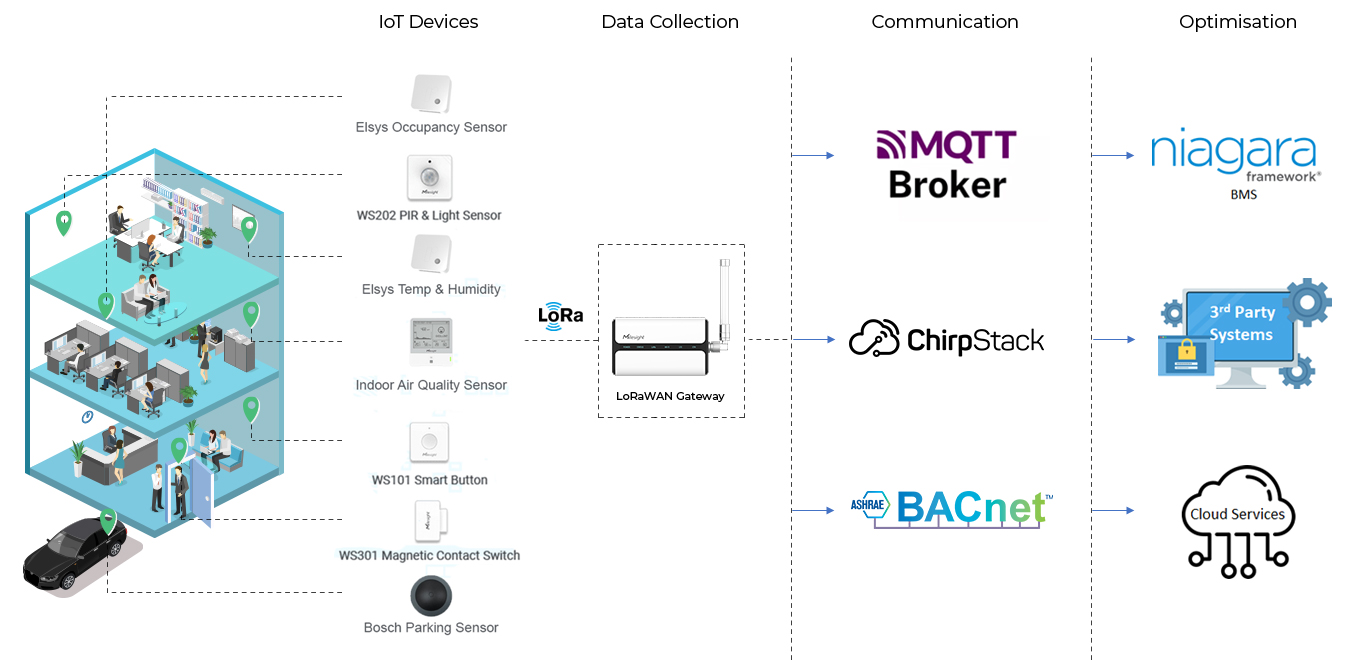
- System Architecture including supporting technology such as MQTT
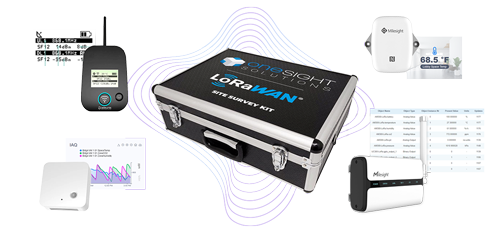
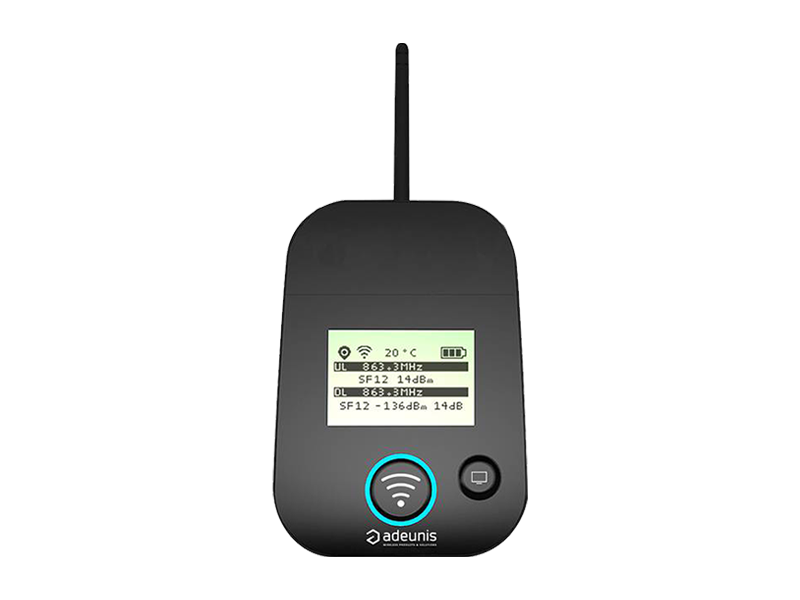
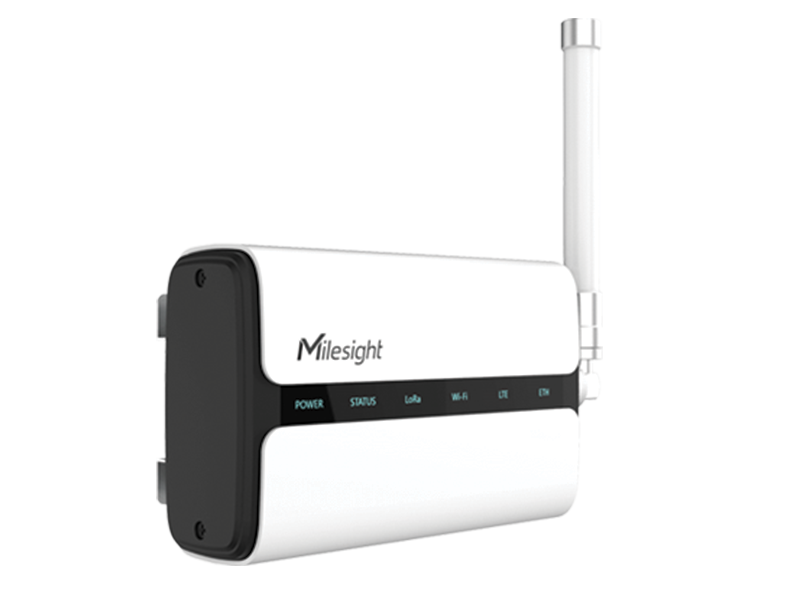
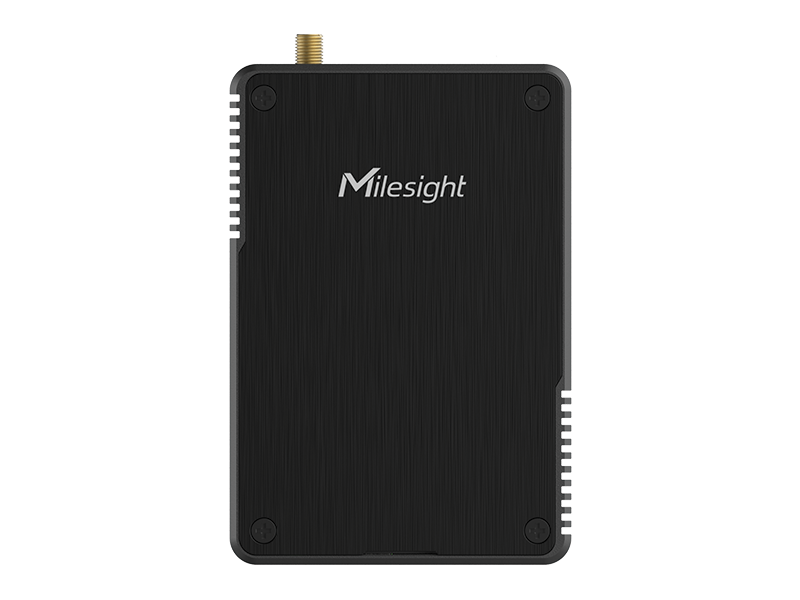
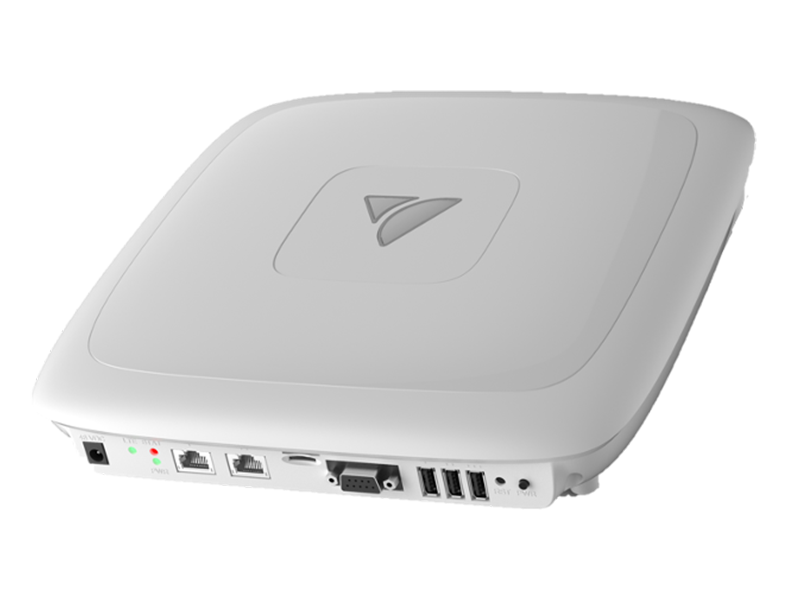
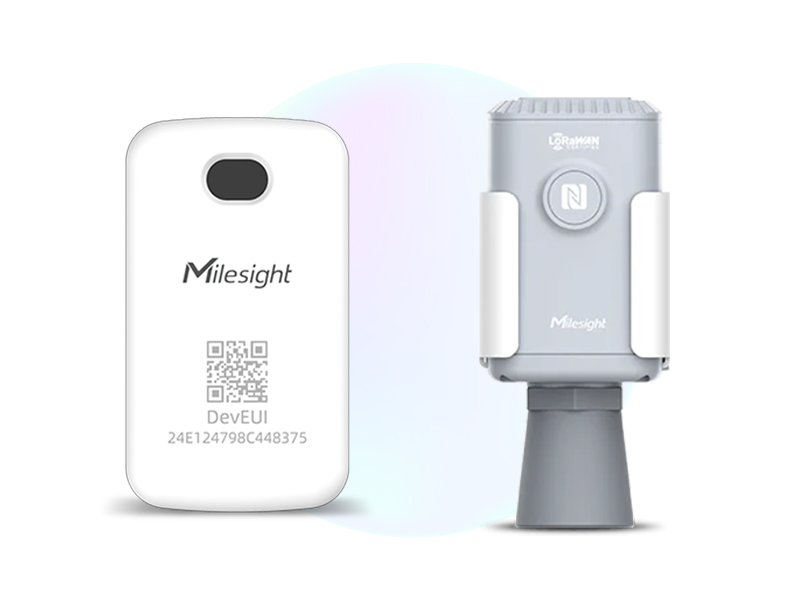
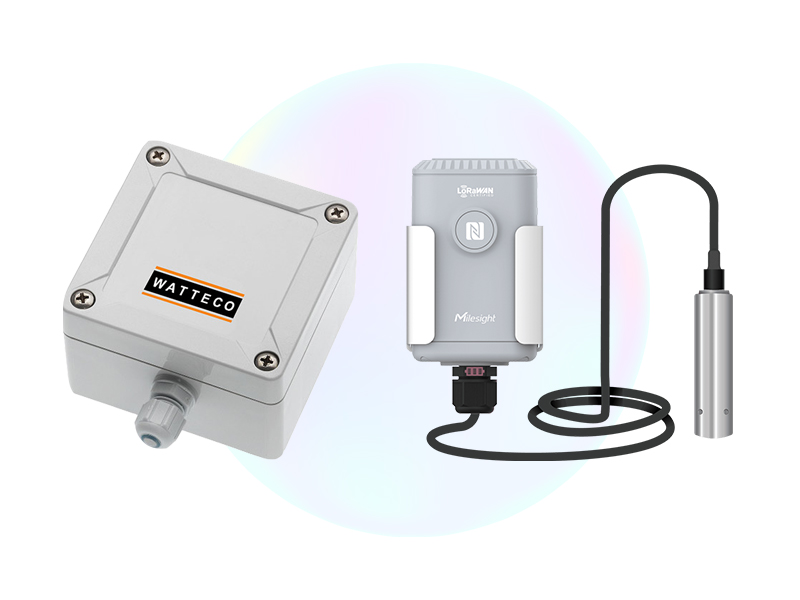
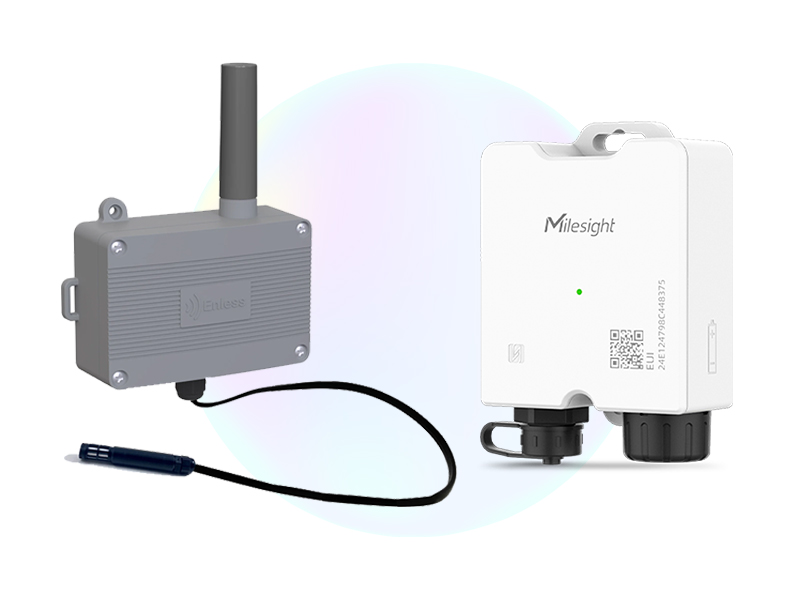
- Getting familiar with the hardware – Different Gateway options, example Sensors/Devices
- Getting to grips with key Sensor/Device information such as the DevEUI and App Keys.
- Typical deployment topologies, LoRaWAN at scale vs. LoRaWAN in small/localised form via Gateways with onboard LoRa network servers.
- Introduction & insight into Chirpstack, our favourite Open Source LoRaWAN Network Server, registering gateways & devices.
- Decoding Sensor/Device data – Getting useful information from our devices
- JSON Data/Payloads – Interpreting sensor data / Viewing the decoded output
- Utilising ‘all-in-one’ gateways featuring an onboard LoRaWAN Network Server (featuring the Milesight UGx series and Veea Hub). Registering gateways & devices.
- Integrating a LoRaWAN network with Niagara 4 – API and MQTT options with JSON data. Featuring the One Sightsolutions driver ‘ossChirpManager’ as well as manually via the JSON Toolkit.
- Vendor Specific BACnet integration featuring the Milesight UGx series gateways.
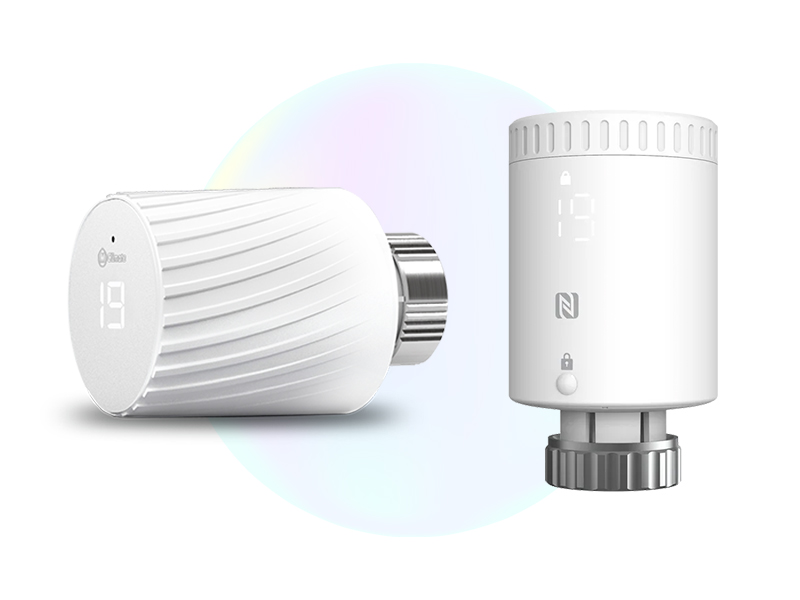
- Writing commands to controllable devices such as TRV’s and Smart Plugs. Encoding payloads for the LoRaWAN network.
This course is delivered remotely via Teams and will typically run from 9:00AM to 4:00PM. The presenter will deliver each element of the content as a dynamic work through style exercise. There will be constant engagement and Q&A as we move through each section. This Masterclass is an engaging day where you will learn from an experienced integration professional well versed in LoRaWAN.
**By special arrangement, we are able to deliver this masterclass in person at a customers premises**
LoRaWAN Gateways
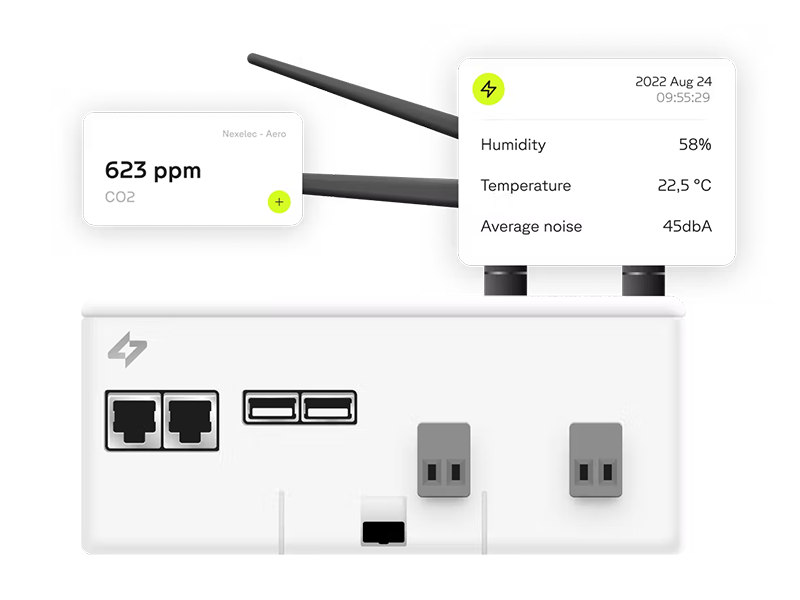
Connecting LoRaWAN Sensor Data with People and Building Management Systems – We Distribute Milesight, Wattsense and Veea
LoRaWAN Sensors & Devices by Application
Measure Everything: LoRaWAN’s Long Range Wide Area Network Puts Limitless Data Use Cases in Your Control
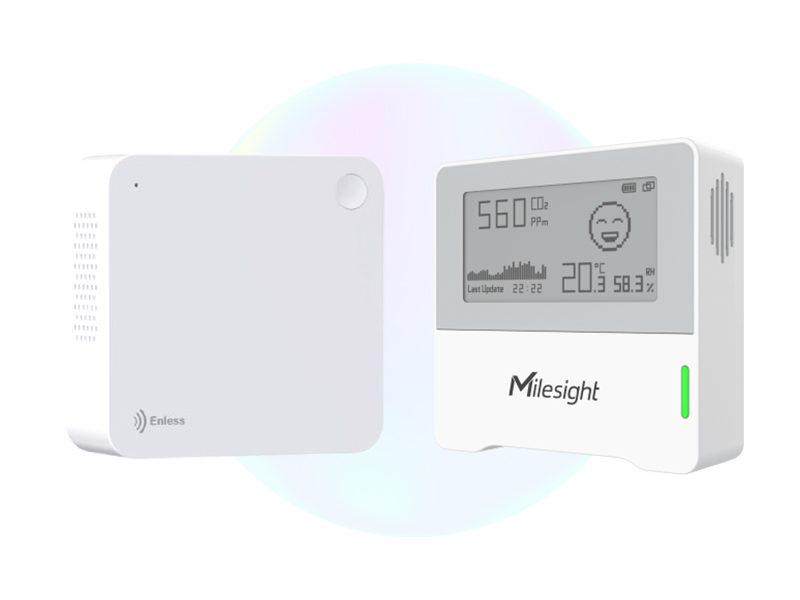
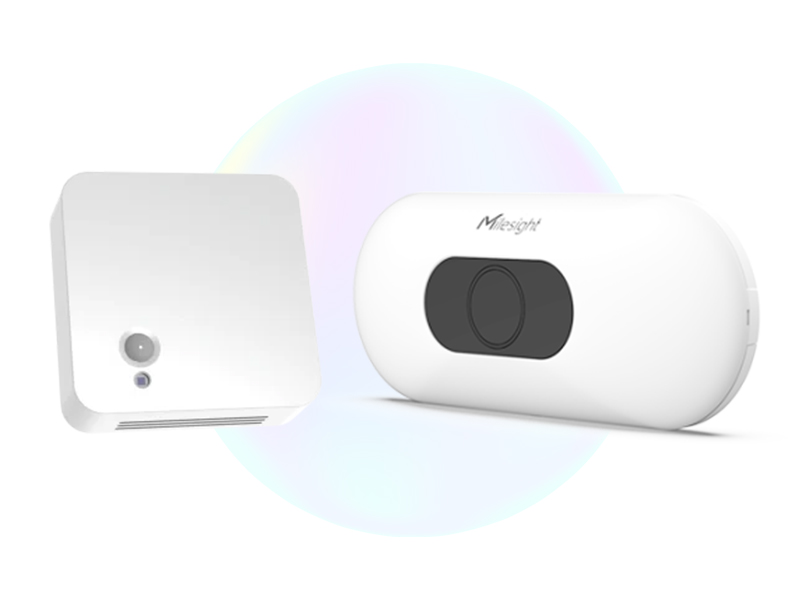
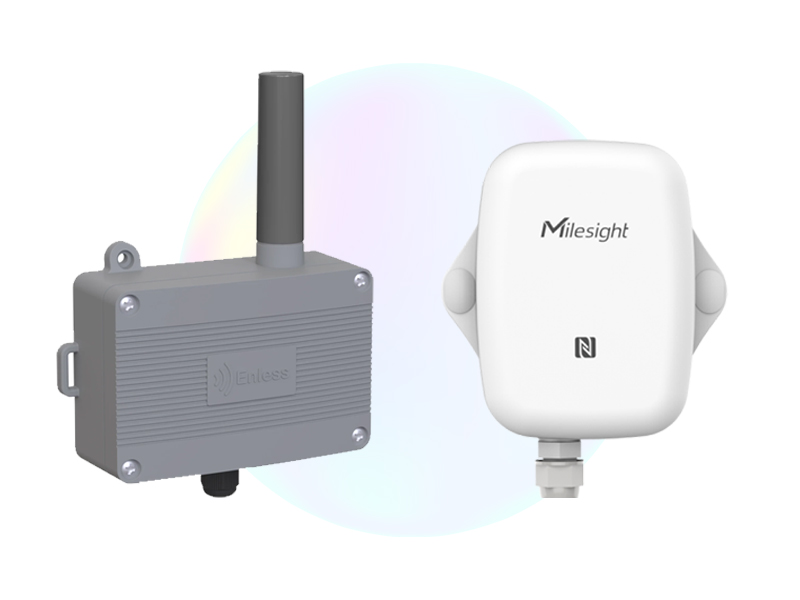
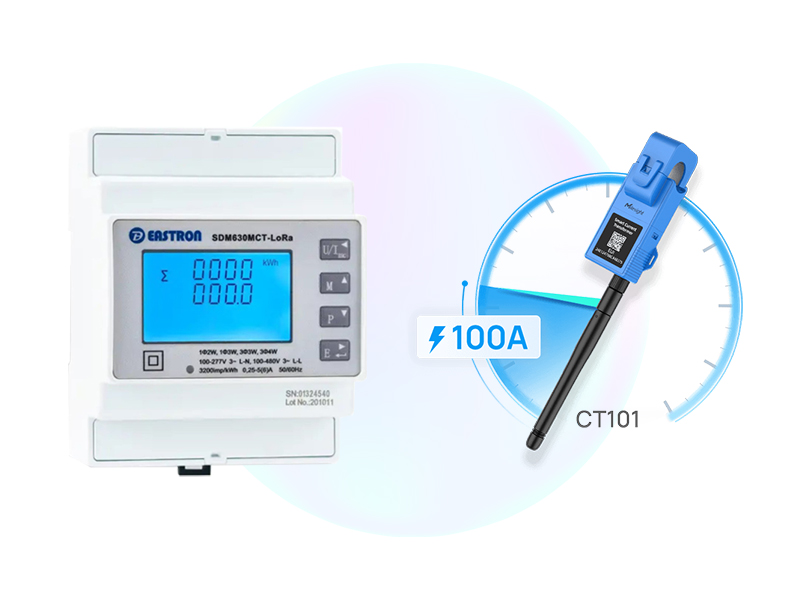
LoRaWAN Sensors & Devices by Brand
Measure Everything: LoRaWAN’s Long Range Wide Area Network Puts Limitless Data Use Cases in Your Control