

Learn how to build and integrate powerful Smart Building and BMS projects, Access hardware documentation, feature support, tutorials, and more. Created by multi-BCIA Award-winners.


Categories
HowTo: Switch between Tridium Niagara versions on the same PC
Being a Niagara certified engineer means you are likely to be working on multiple Niagara installs across multiple different sites. This means you will need to have access to the engineering tools AKA Workbench/Workplace for a selection of different versions on your PC/Laptop
In this guide Tom shows you how to correctly and safely switch between multiple versions of Tridium’s Niagara installed on your machine. Particularly how to make sure you are running the correct platform daemon for each version as well:
Popular Support Guides

Popular Support Videos on One SightTV
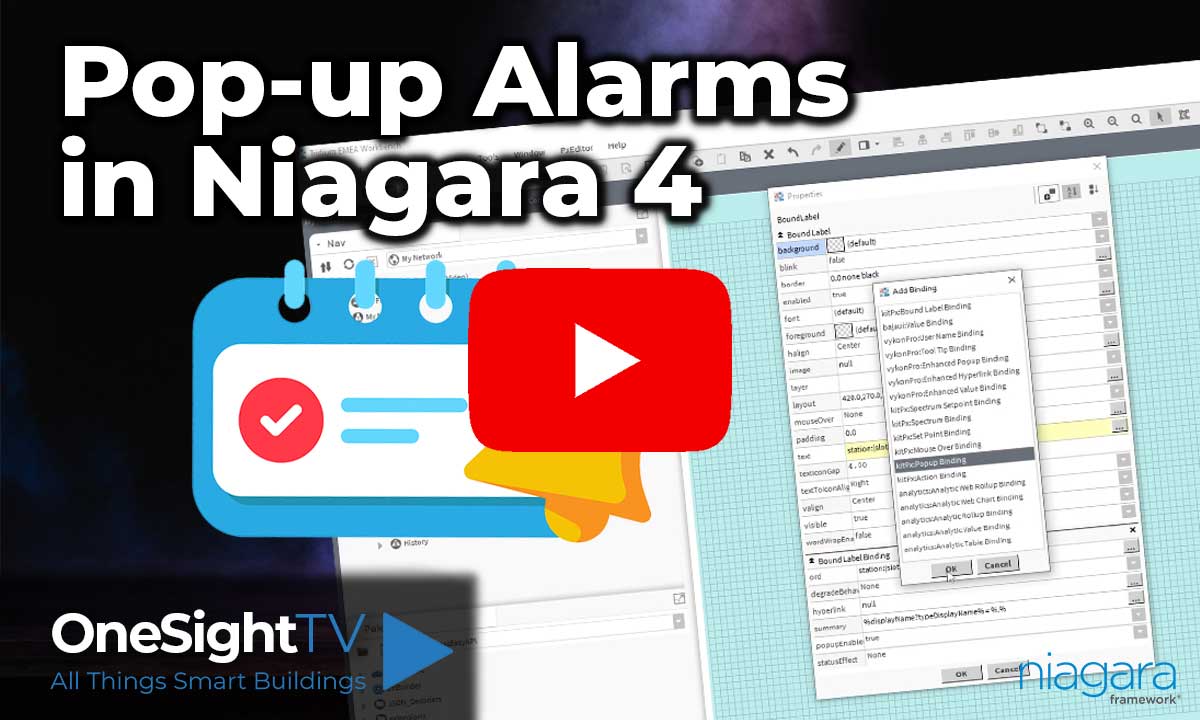
Tridium Niagara 4 Video Training


Access the Industry’s Best Technical Support
Unlock Exclusive Benefits with our Niagara Partner Program including Priority Tech Support



 Supercharge your Niagara 4 Projects with OSS Drivers
Access all 11x of our OSS Niagara 4 Drivers for Free on your Demo Station

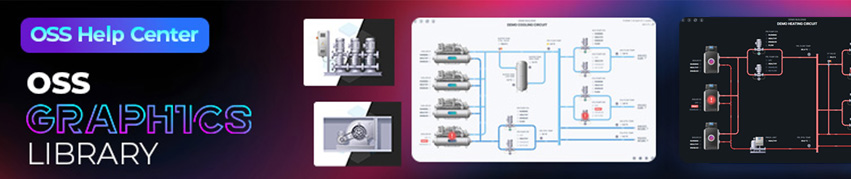
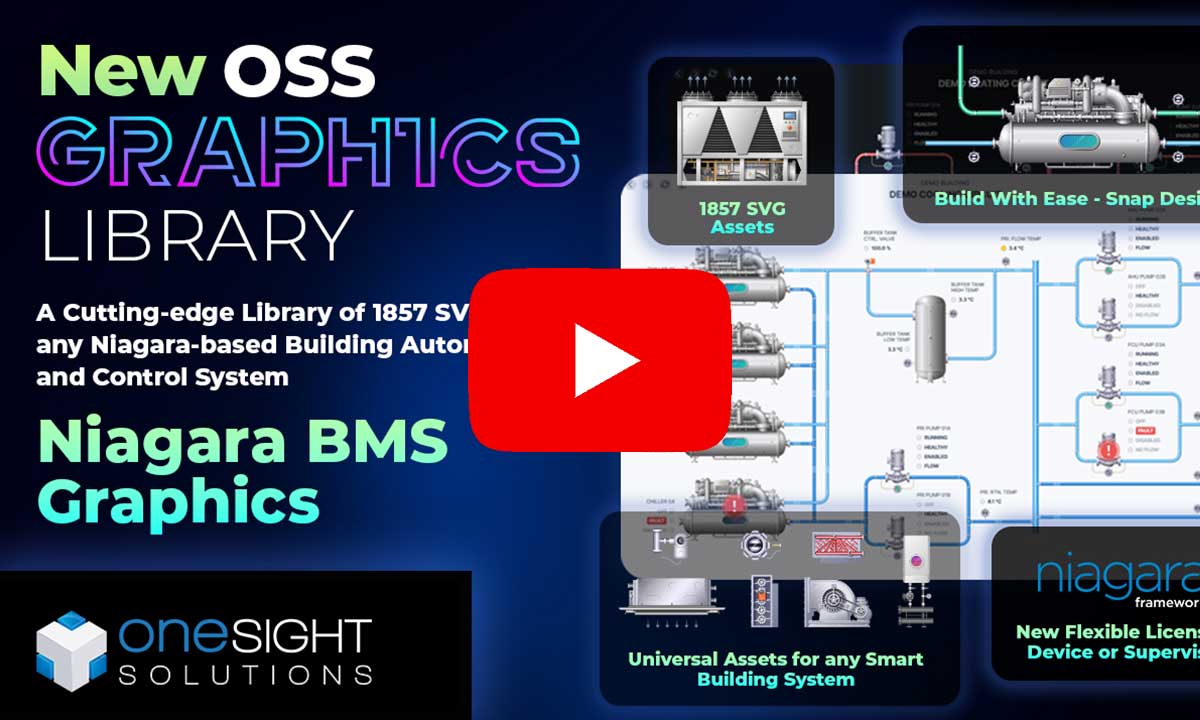
Niagara BMS Graphics made Easy with ossGraphicsLibrary
1857 High Quality BMS SVG’s, with seamless drag-n-drop Design for Rapid Configuration

Explore the full range of Assets and Watch the Video