

Learn how to build and integrate powerful Smart Building and BMS projects, Access hardware documentation, feature support, tutorials, and more. Created by multi-BCIA Award-winners.


Categories
HowTo: Schedule backups of a Niagara 4 Supervisor
Backup Niagara 4 Supervisor Stations with ossStationBackup
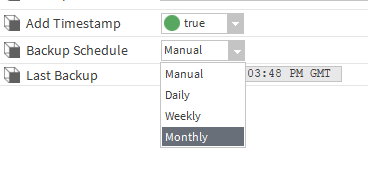
For those that didn’t know, there is currently no way to schedule an automated backup of a Niagara Supervisor station like there is for downstream Niagara network stations. This module will allow backups of a supervisor station to be scheduled daily, weekly or monthly, and saved to the file system of the local machine fully autonomously.
Adding the OssStationBackup to Station services
First of all you will need to bring the module into your modules directory (Typically C:\Niagara\Niagara-4.xx.x.xxx\modules) then run workbench and open the OssStationBackup palette. Drag the module onto the station services and double click to open.
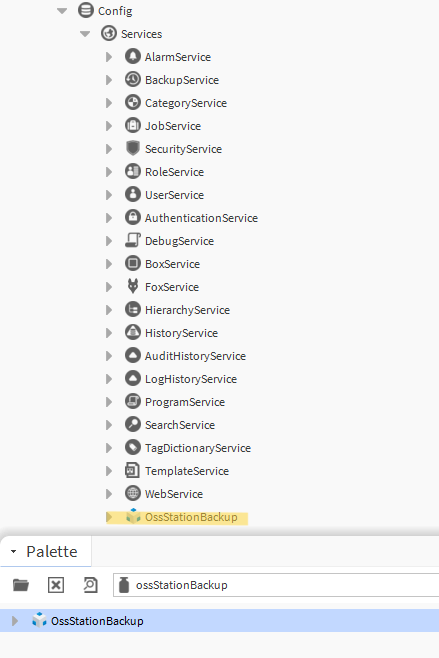
Once this is done the status of the module should go to OK.
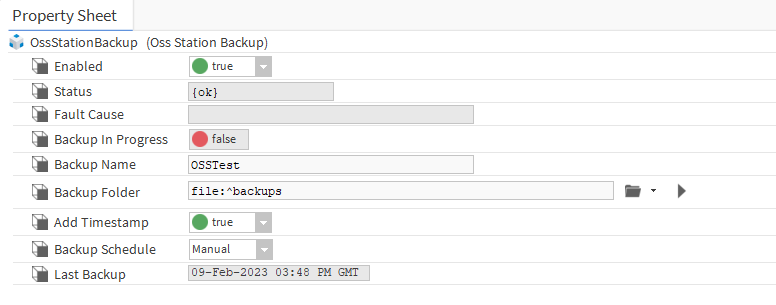
Backup Folder/Name Configuration
Within the Backup Name field input a name you wish the Module to assign to the backup then you can configure the destination of the backup by configuring the Backup Folder field. It is advised to keep it set to save directly in the backups so that you don’t run into any potential permission issues within windows.
Backup Schedule Configuration
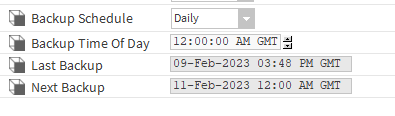
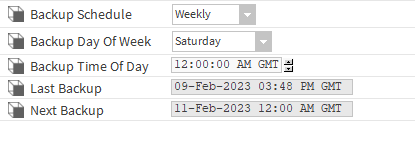
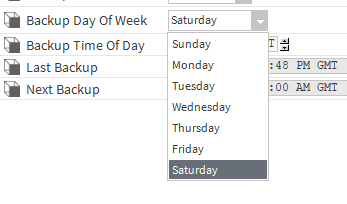
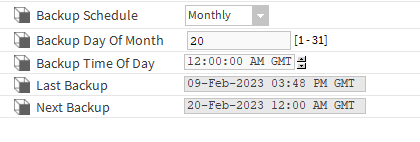
There are four options within the backup schedule, Manual, Daily, Weekly and Monthly. This can be set up to schedule when you would like the automated backup service to run, below is attached screenshots of the scheduling options.
Popular Support Guides

Popular Support Videos on One SightTV
Tridium Niagara 4 Video Training

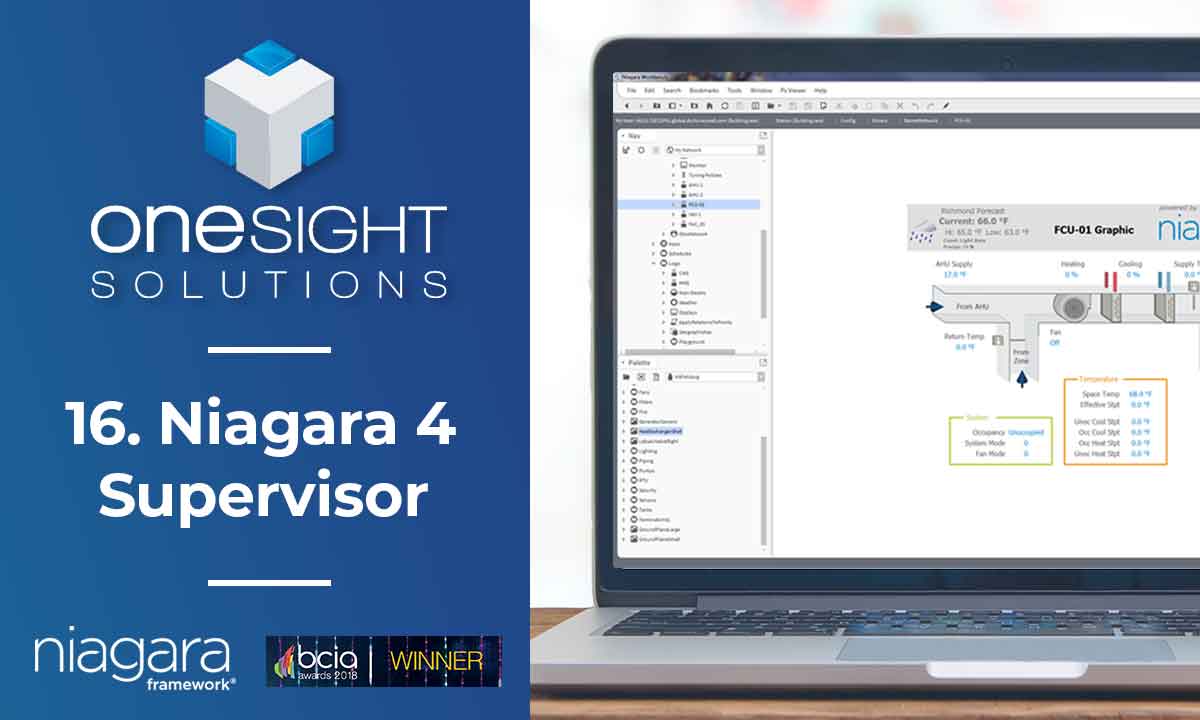

Access the Industry’s Best Technical Support
Unlock Exclusive Benefits with our Niagara Partner Program including Priority Tech Support



 Supercharge your Niagara 4 Projects with OSS Drivers
Access all 11x of our OSS Niagara 4 Drivers for Free on your Demo Station

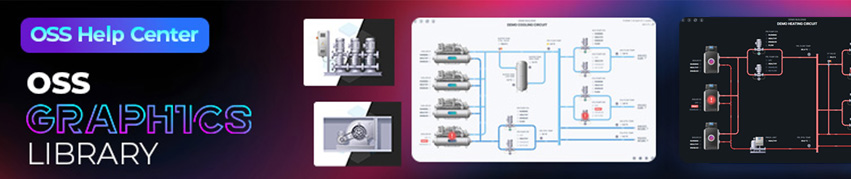
Niagara BMS Graphics made Easy with ossGraphicsLibrary
1857 High Quality BMS SVG’s, with seamless drag-n-drop Design for Rapid Configuration

Explore the full range of Assets and Watch the Video