

Learn how to build and integrate powerful Smart Building and BMS projects, Access hardware documentation, feature support, tutorials, and more. Created by multi-BCIA Award-winners.


Categories
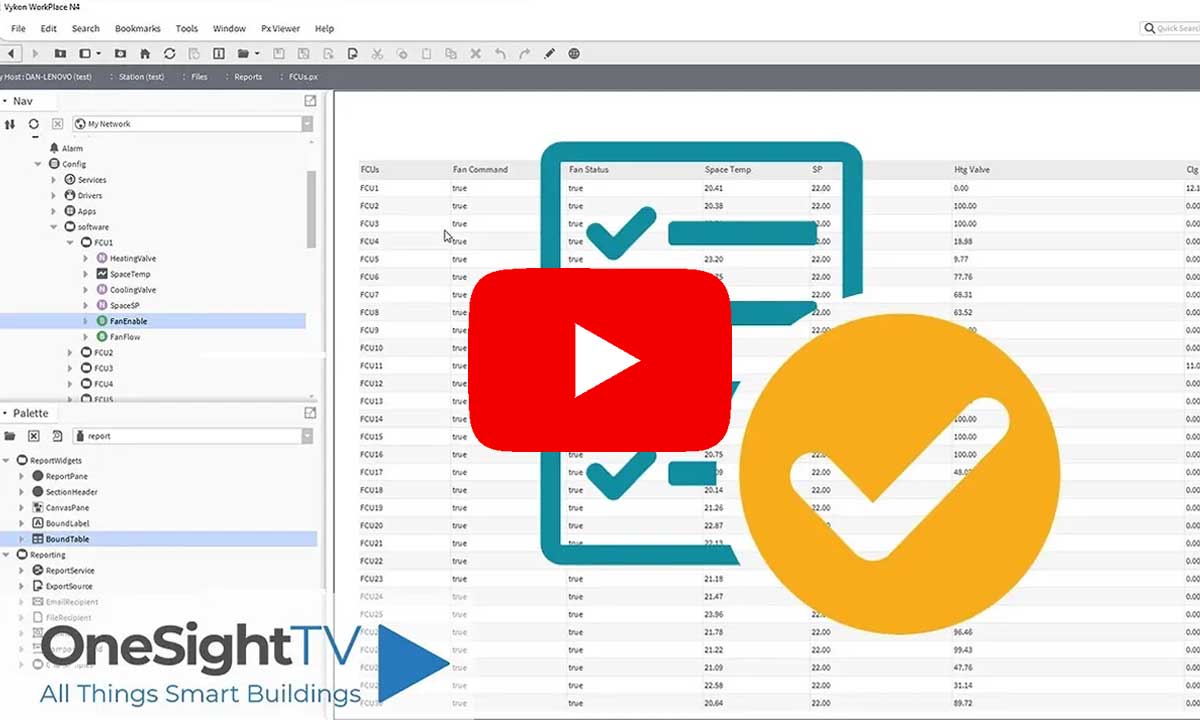
HowTo: Generate Simple Reports in Niagara 4 using BQL & ReportPX
In this guide, learn how to create simple reports that display a set of data utilising BQL & ReportPX. These reports are ideal for presenting a snapshot of a data set to a client, fault finding and more!
Popular Support Guides

Popular Support Videos on One SightTV
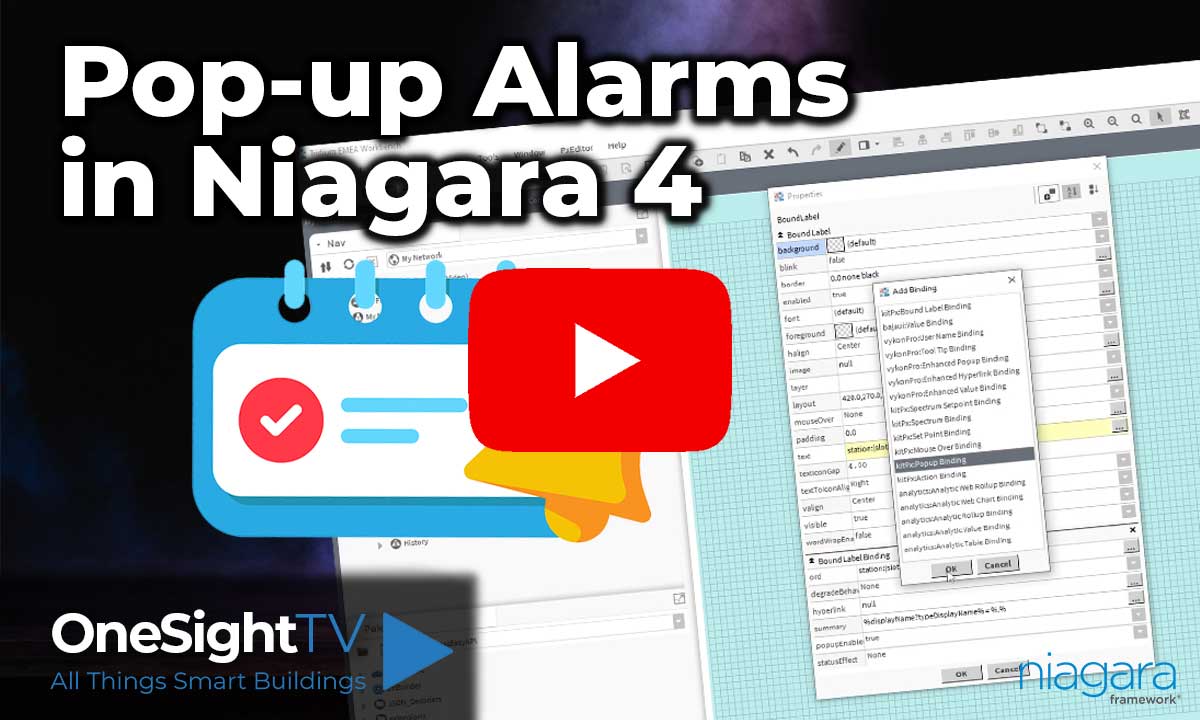
Tridium Niagara 4 Video Training

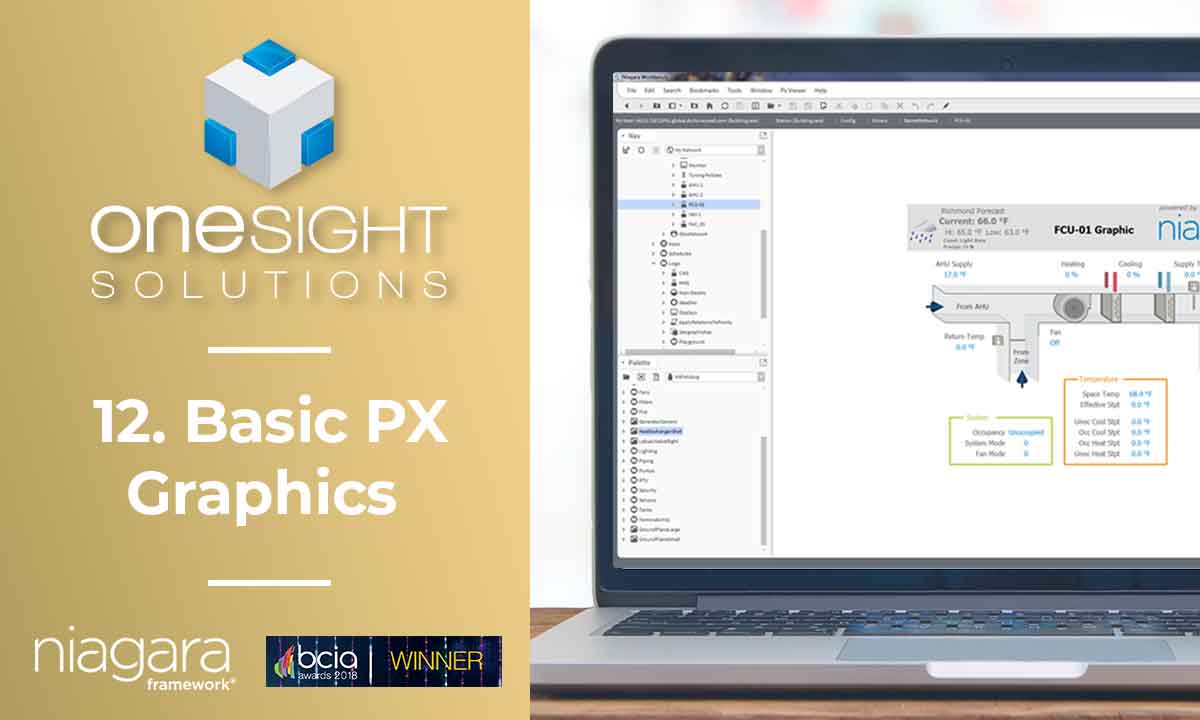
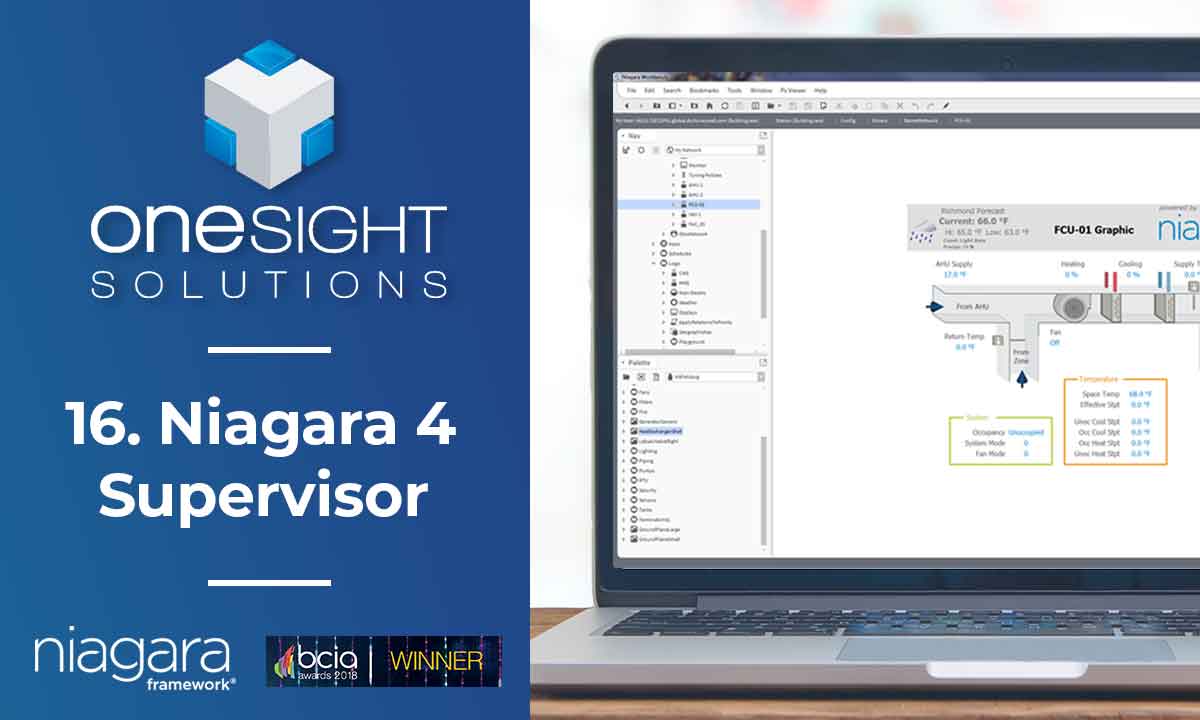

Access the Industry’s Best Technical Support
Unlock Exclusive Benefits with our Niagara Partner Program including Priority Tech Support


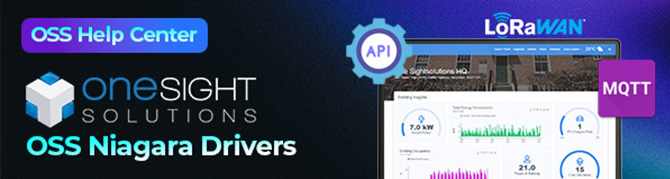

 Supercharge your Niagara 4 Projects with OSS Drivers
Access all 11x of our OSS Niagara 4 Drivers for Free on your Demo Station

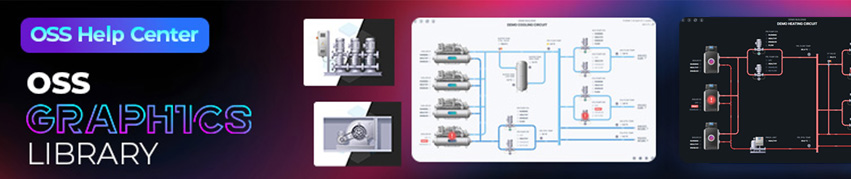
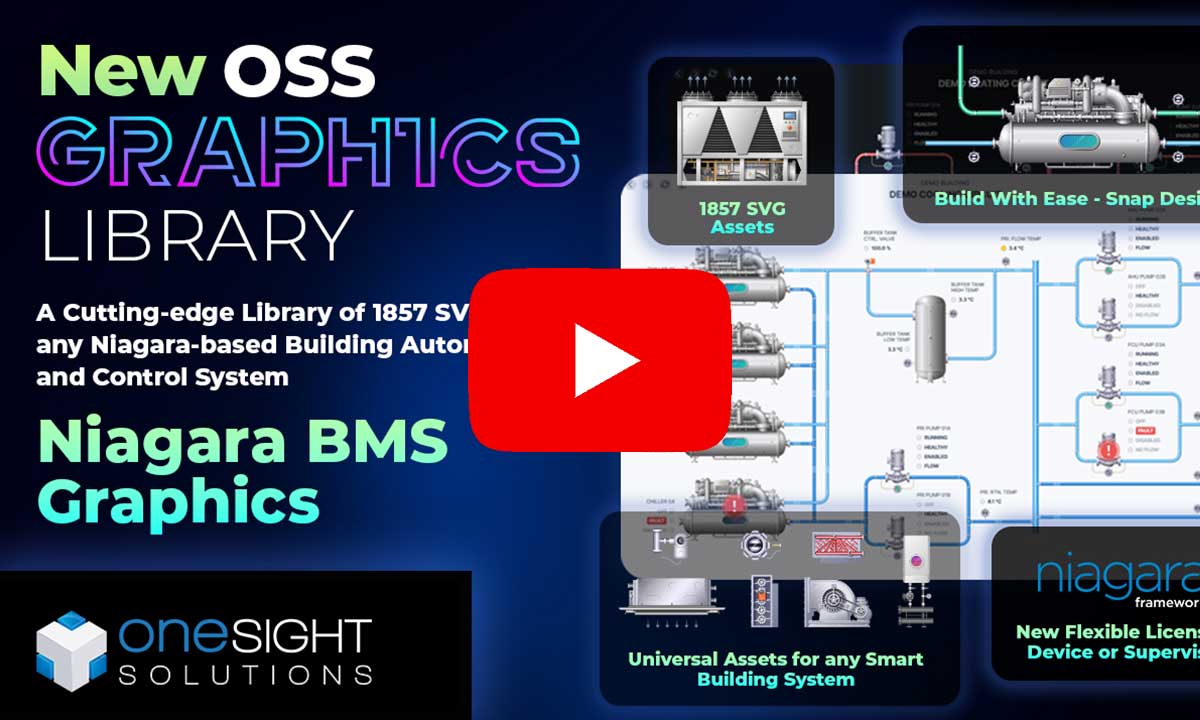
Niagara BMS Graphics made Easy with ossGraphicsLibrary
1857 High Quality BMS SVG’s, with seamless drag-n-drop Design for Rapid Configuration

Explore the full range of Assets and Watch the Video