

Learn how to build and integrate powerful Smart Building and BMS projects, Access hardware documentation, feature support, tutorials, and more. Created by multi-BCIA Award-winners.


Categories
iSMA MAC36NL: End-of-Life (EOL) FAQ Information
Why is MAC36NL being phased out?
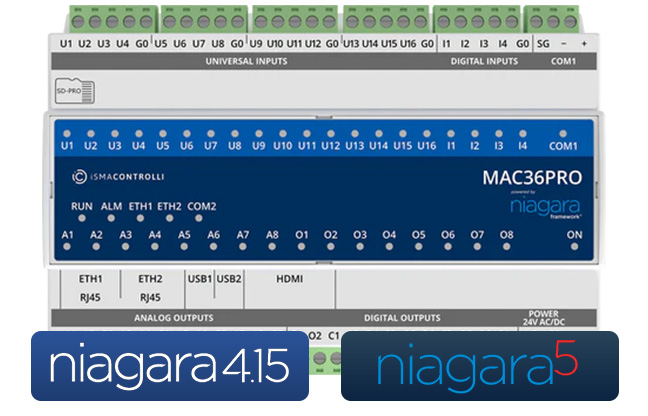
To ensure long-term platform support in upcoming projects, future transition to Niagara 5 and due to availability of its successor MAC36PRO.
What product replaces MAC36NL?
MAC36PRO is the direct successor and is designed to ensure an easy transition. I has the same form factor, I/O configuration, interfaces, and licensing model.
What is the Software License Transition Policy?
The software license transition allows license transfers between MAC36NL and MAC36PRO in case of future replacements. A new iSMA-B-MAC36PRO and iSMA-B-SD-PRO card will be required.
When the Software license transition will be available?
Transferring licenses between MAC36NL and MAC36PRO will be available from 1 August 2026. More information about the Software License Transition Policy will be available soon.
What is Last Time Buy (LTB)?
It is the final period to place orders for MAC36NL before discontinuation. During this period, pricing will be aligned with MAC36PRO. The LTB phase starts on 1 August 2026 and will run until 31 December 2026, or while stock lasts.
How long will MAC36NL receive software updates?
Software support will continue until the end of 2028.
What happens after support ends?
No further Niagara or security updates will be provided after this date.
Will existing installations continue to work after the EoL date?
Yes, existing systems will continue to operate. Software support and updates within the Niagara 4 framework will be provided until 31 December 2028. After this date, systems will continue to function, but no further official software support will be available.
Will MAC36NL support Niagara 5?
No, Niagara 5 will be supported on MAC36PRO. MAC36NL will be updated with the latest revisions of Niagara 4.15 until the end of 2028.
Will system redesign be required?
In most cases, no major redesign is needed. MAC36PRO has the same form factor, I/O type and location and the same interfaces. It supports Niagara versions from 4.10 up to the latest 4.15.
What are the key benefits of MAC36PRO?
More processing power, more RAM and flash memory, improved hardware, new secure remote access options including LTE & VPN Client support, easier commissioning, and readiness for Niagara 5.
Upgrade to the iSMA MAC36PRO for Niagara 4 & 5
We help you simplify integration, boost engineering productivity, and accelerate project delivery
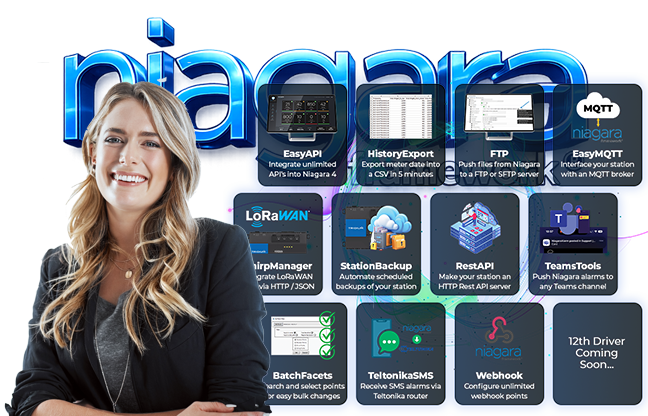
Developed from years of experience, our 11x Niagara Drivers help you to Stop Fighting the Clock and Skillset Gaps, all whilst Maximising Project ROI and Niagara Efficiency
OSS Drivers for Tridium Niagara 4/5
We help you simplify integration, boost engineering productivity, and accelerate project delivery
Developed from years of experience, our 11x Niagara Drivers help you to Stop Fighting the Clock and Skillset Gaps, all whilst Maximising Project ROI and Niagara Efficiency
Popular Support Guides

Popular Support Videos on One SightTV
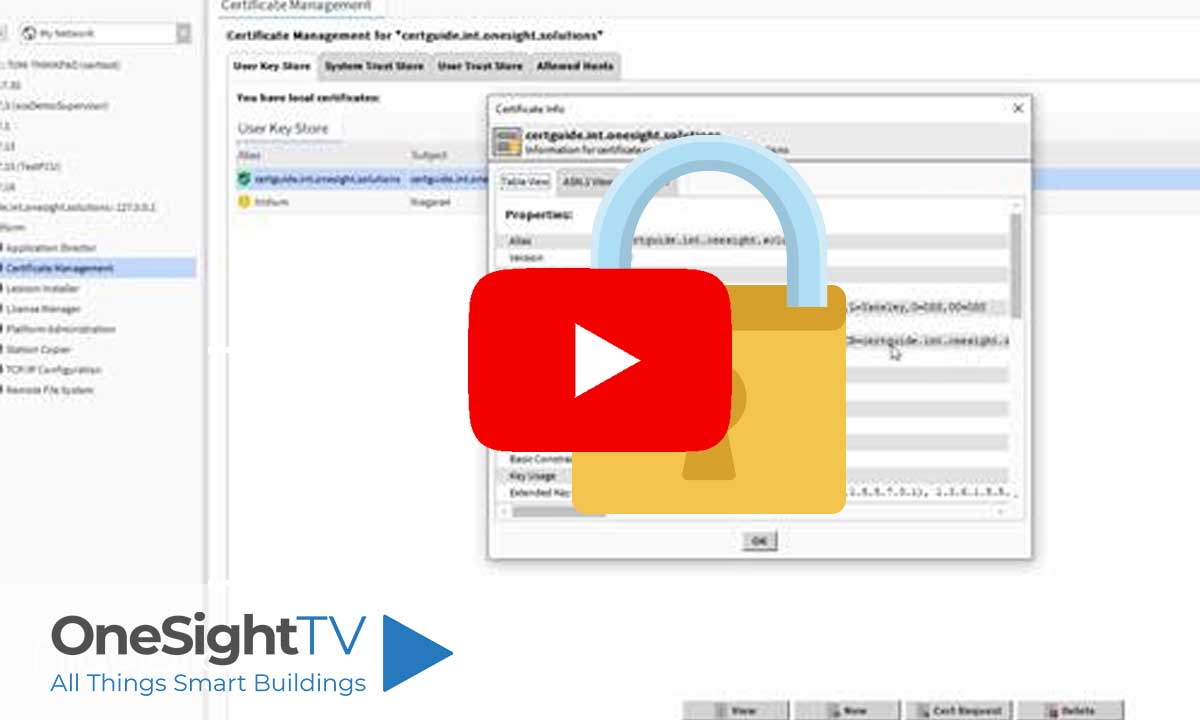
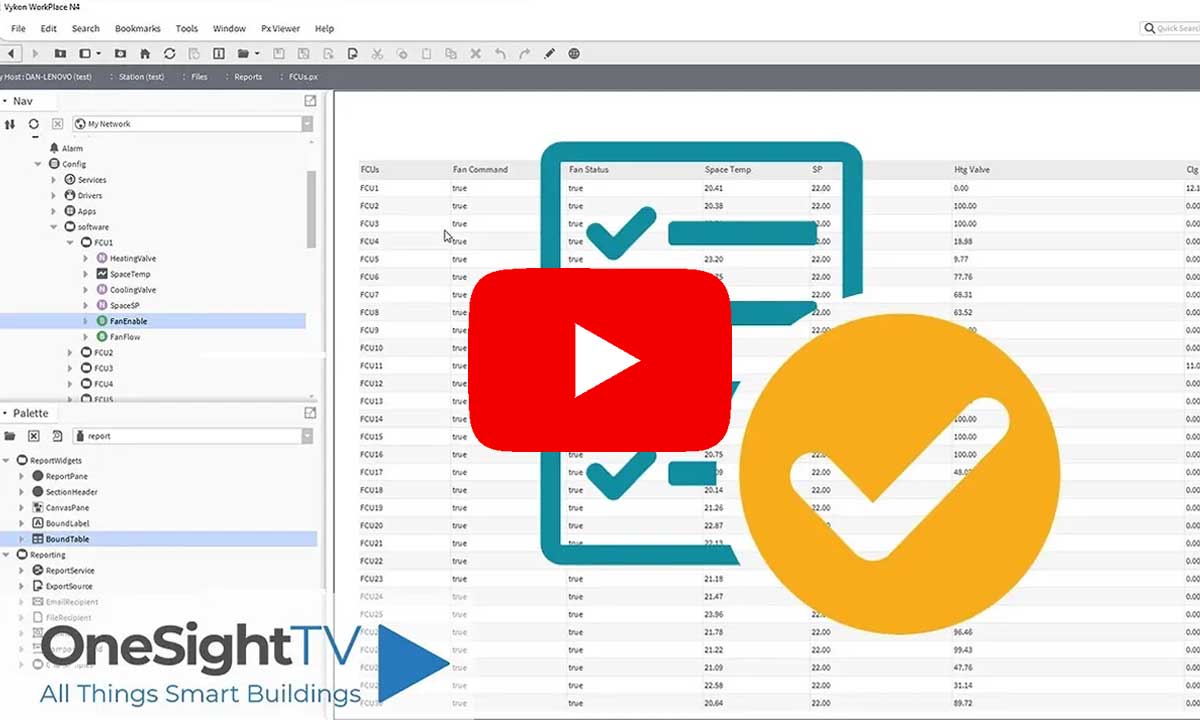
Tridium Niagara 4 Video Training


Access the Industry’s Best Technical Support
Unlock Exclusive Benefits with our Niagara Partner Program including Priority Tech Support



 Supercharge your Niagara 4 Projects with OSS Drivers
Access all 11x of our OSS Niagara 4 Drivers for Free on your Demo Station

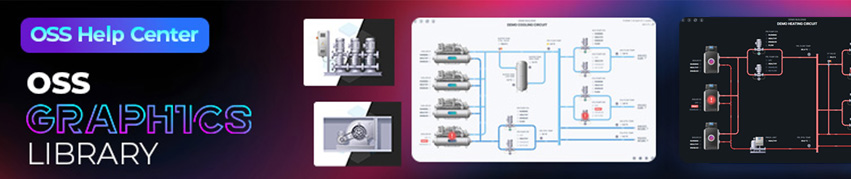
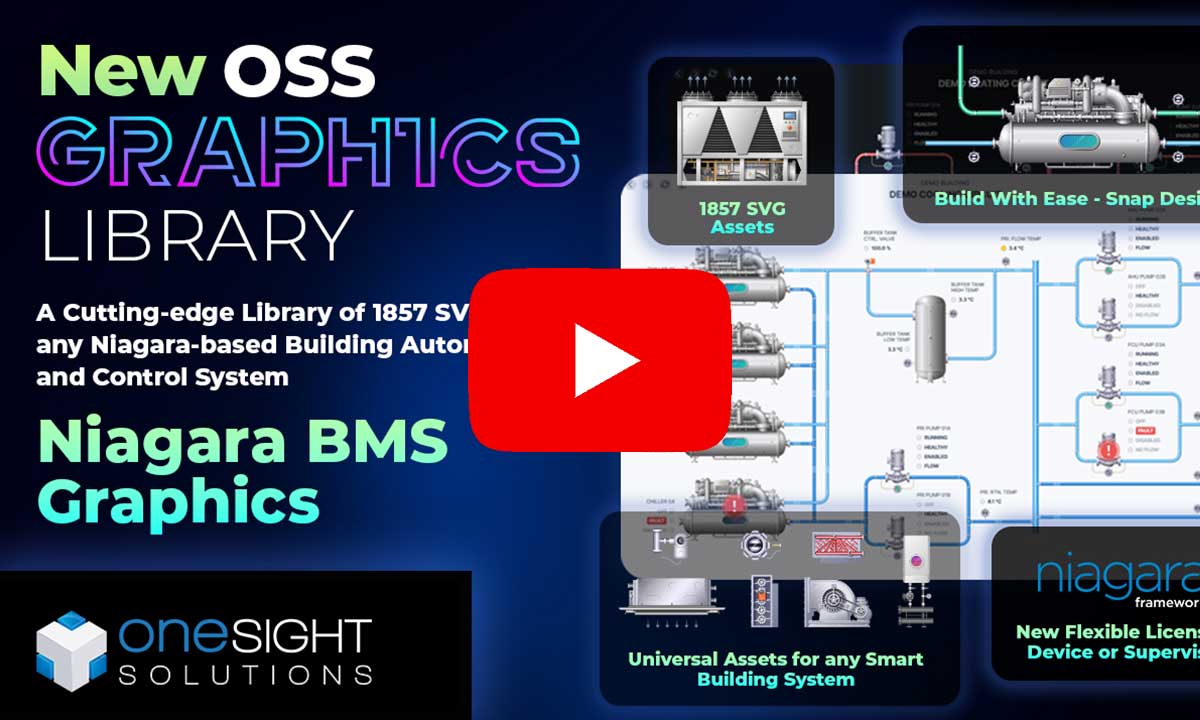
Niagara BMS Graphics made Easy with ossGraphicsLibrary
1857 High Quality BMS SVG’s, with seamless drag-n-drop Design for Rapid Configuration

Explore the full range of Assets and Watch the Video